Why Your Dental Clinic Needs an AI Assistant for Clinical Records, Not Just Forms
Discover AiDa in RCMS®—the AI clinical documentation assistant for Indian dentists that turns dictated chairside notes into structured dental records in ~15 seconds.
Introduction
Picture this: It’s 10:30 AM on a Monday at your dental clinic in Bengaluru or Kozhikode. You’ve just finished examining a root canal emergency, another patient is waiting in chair 2, and your desk still has half a dozen clinical case sheets waiting to be typed.
You open your dental clinic management software India module. Which tab holds chief complaints? Where do you type the tooth number? How many clicks does it take to log examination findings, diagnosis, procedure notes, and the prescription?
This is exactly why modern dental practices in India are moving beyond rigid manual data-entry forms toward AiDa—RCMS®‘s AI clinical documentation assistant built specifically for dictating clinical notes and converting spoken findings into structured dental records.
How AiDa Turns Chairside Dictation Into Structured Dental Records
Beyond Clicking Through Multi-Field Case Sheets
Traditional dental EMR software forces dentists to work like typists after every consultation:
- Click into the patient’s chart
- Switch between Chief Complaint, Examination, Diagnosis, Treatment Plan, and Prescription tabs
- Manually select teeth from dropdowns and type repetitive clinical phrases
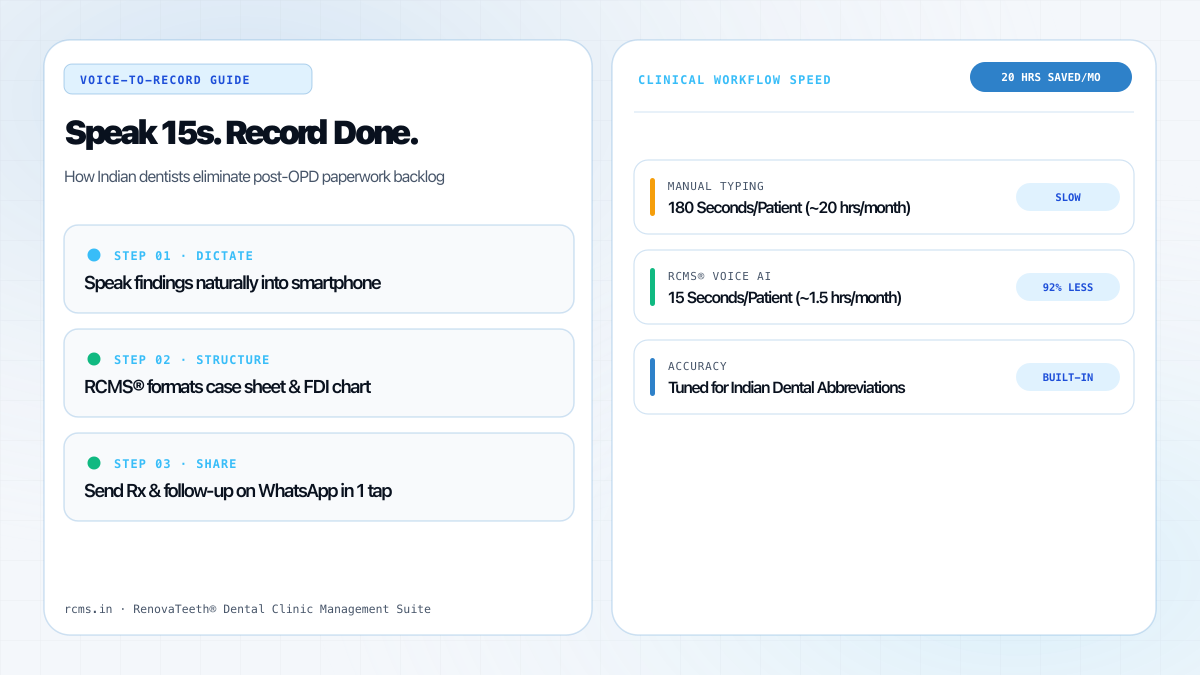
- Spend ~3 minutes per patient typing notes (adding up to ~20 hours a month for 20 patients/day)
AiDa replaces that manual form-filling with natural clinical dictation. You simply speak your clinical observations out loud in ~15 seconds, and AiDa parses the clinical context into properly structured dental record fields.
How AiDa Understands Clinical Context
When you dictate a note during or right after treatment:
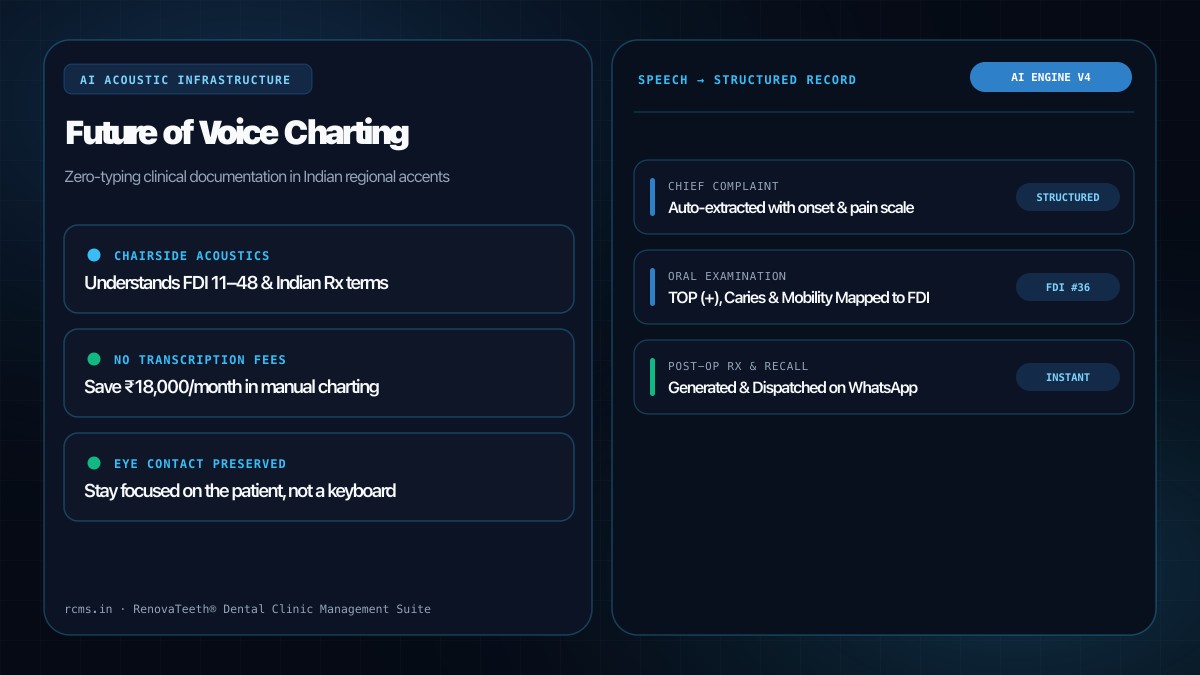
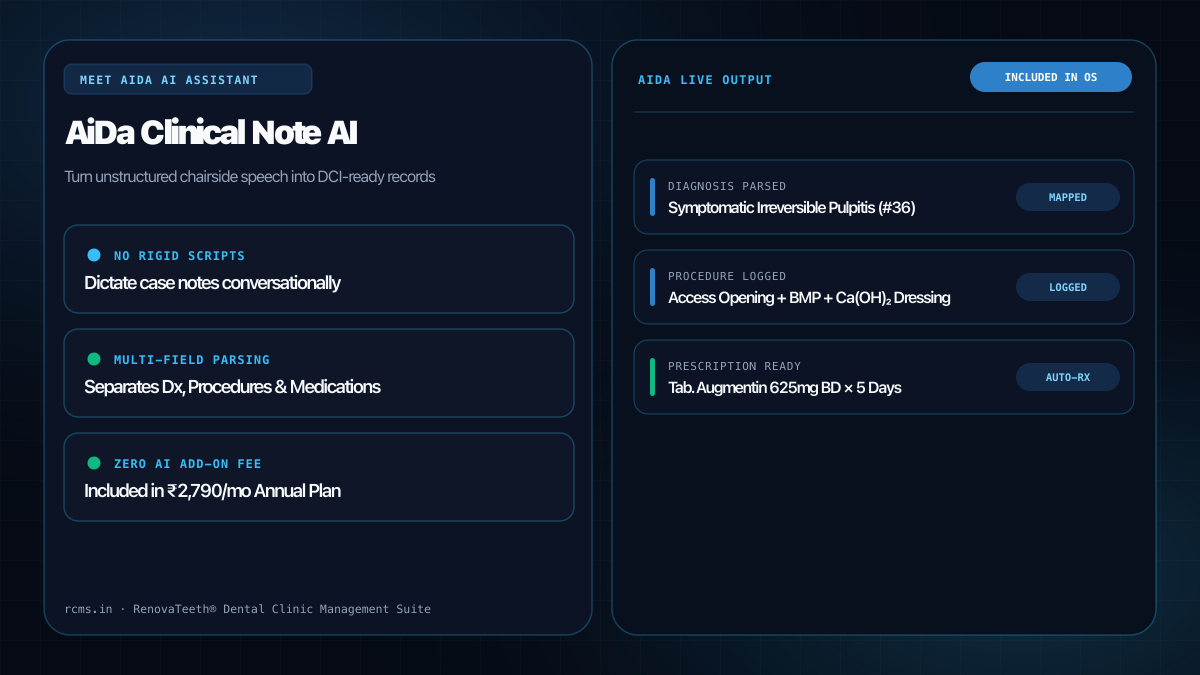
You say: “Patient complains of sharp pain in lower left first molar 36 for 3 days, tender to percussion, deep distal caries approaching pulp. Diagnosed as symptomatic irreversible pulpitis in 36. Advised single-sitting RCT followed by zirconia crown. Prescribe Tab Augmentin 625mg BD for 5 days and Tab Zerodol-SP SOS.”
AiDa converts that spoken note into structured fields automatically:
- Chief Complaint & Duration: Sharp pain, 3 days
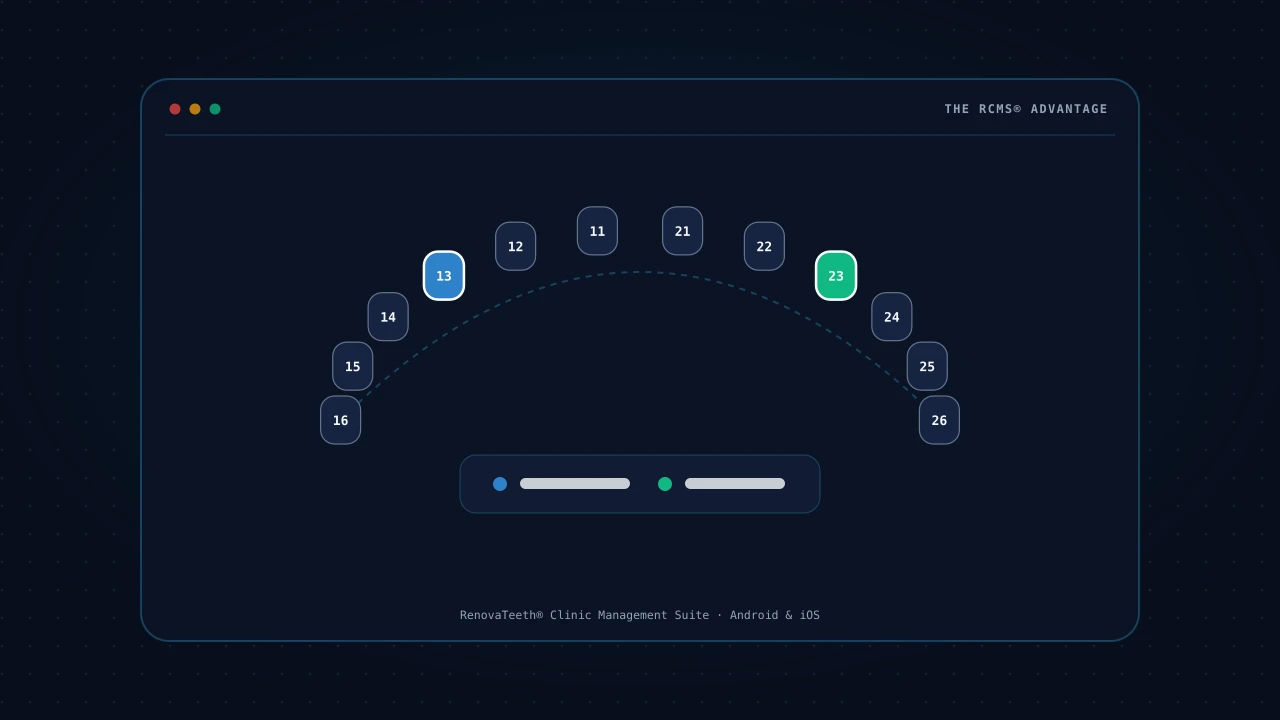
- FDI Tooth Notation: Tooth
#36(Lower Left First Molar) - Clinical Examination: Tender to percussion (+), deep distal caries approaching pulp
- Diagnosis: Symptomatic irreversible pulpitis (
#36) - Treatment Plan: Single-sitting RCT + Zirconia crown
- Medication / E-Prescription: Tab. Augmentin 625mg (1-0-1 × 5 days), Tab. Zerodol-SP (SOS)
This is the power of voice enabled dental software India built specifically for Indian clinical workflows rather than generic voice-to-text typing.
Real-World Clinical Notes Dentists Dictate to AiDa Every Day
See how AiDa structures everyday chairside dictations across general and specialty dentistry:
1. Chief Complaint & Intraoral Examination Notes
Traditional Software: Open Patient → Clinical Notes → Chief Complaint box → Examination box → Tooth Selector → Type findings manually.
Dictated to AiDa:
- “Chief complaint of sensitivity to cold in upper right premolar 14 and 15 since two weeks, cervical abrasion present, no mobility.”
- Structured Output: Tooth
#14, #15, Complaint: Cold sensitivity (2 weeks), Clinical Exam: Cervical abrasion, Mobility (-).
2. Diagnosis & Multi-Stage Treatment Plan Notes
Traditional Software: Diagnosis tab → Add ICD/clinical code → Treatment Plan tab → Select procedure → Add tooth → Add stages.
Dictated to AiDa:
- “Missing lower right first molar 46 for six months with adequate bone width on CBCT. Planned implant placement 4.3 by 10mm followed by crown after osseointegration.”
- Structured Output: Tooth
#46, Diagnosis: Edentulous space, Staged Plan: Surgical Implant (4.3 × 10mm) → Prosthetic Crown.
3. Completed Chairside Procedure Notes
Traditional Software: Procedure tab → Select completed treatment → Enter material details → Save progress notes.
Dictated to AiDa:
- “Access opening and biomechanical preparation completed in tooth 36 under local anesthesia using rotary files, calcium hydroxide intracanal medicament placed and temporary restoration done.”
- Structured Output: Tooth
#36, Completed Procedure: RCT Stage 1 (Access + BMP + Ca(OH)₂ dressing + Temporary restoration).
4. Post-Treatment Medication Notes
Traditional Software: Prescription tab → Search drug → Set dosage → Set frequency → Set duration → Save.
Dictated to AiDa:
- “Prescribe Tab Amoxyclav 625mg twice daily for five days after food and Tab Ketorol-DT SOS for pain.”
- Structured Output: Preloaded Indian drugs mapped with dosage, frequency, timing, and duration inside RCMS® Electronic Prescriptions.
Why Indian Dental Clinics Need Clinical Voice-to-Record AI
Challenge 1: Peak Evening Rush & End-of-Day Typing Backlogs
Between 6–9 PM, urban Indian dental clinics run at full speed. Dentists skip detailed notes during consultations to avoid keeping patients waiting—and end up staying late to reconstruct case histories from memory.
AiDa Solution: Dictating clinical notes takes ~15 seconds per patient right at chairside, keeping records accurate without delaying the next patient.
Challenge 2: Regional Accents & Indian Clinical Terminology
Generic dictation tools frequently mishear Indian accents, drug brands, and dental terms (FDI tooth numbers, BMP, RCT, pulpectomy, GIC, periapical).
AiDa Solution: Powered by RCMS® Voice-to-Dental Record, AiDa is trained specifically on Indian accents and dental clinical vocabulary so clinical notes map cleanly on the first try.
Challenge 3: DCI-Compliant Record Completeness
Incomplete clinical notes expose practices during audits, insurance reviews, and medico-legal disputes.
AiDa Solution: Every dictated note maps into standardized, DCI-compliant clinical fields and saves permanently inside encrypted patient records on secure servers.
Challenge 4: Zero Extra Desktop Hardware Needed
Busy operatories shouldn’t need a desktop computer or transcriptionist next to every dental chair.
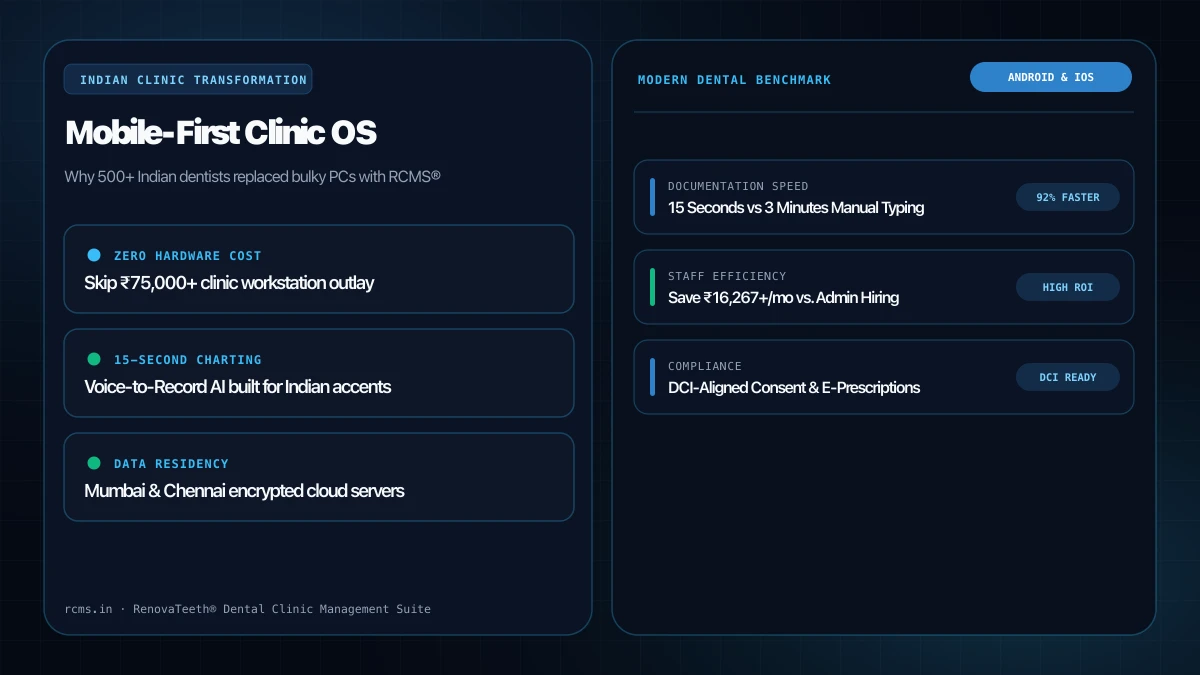
AiDa Solution: Dentists dictate directly into the smartphone they already carry, supporting a mobile-first paperless clinic that saves 18–20 hours monthly and up to ₹2,16,000/year in documentation overhead (calculate your clinic impact with the ROI Savings Calculator).
Explore AiDa Inside RCMS®
Built directly into the single all-inclusive RCMS® Annual Plan (₹2,790/month billed annually + ₹12,490 one-time setup fee), AiDa AI Clinical Assistant works seamlessly alongside visual treatment planning, on-device digital patient consents, and truly unlimited WhatsApp notifications.
Ready to turn 15 seconds of natural chairside dictation into structured dental records? Book a free 30-minute live demo to test AiDa with your own clinical cases.